 WAStickerAI




Couple
One photo of you both becomes 16 stickers for hugs, kisses, hunger and good nights.
WAStickerAI makes 16 WhatsApp stickers from a single photo, in your choice of 15 AI styles, and sends the finished pack straight to WhatsApp. Your first pack is free.

Every sticker below comes from the photo on the left. Tap a style to see the same 16 expressions redrawn.
















Chibi. 16 stickers, sized and compressed for WhatsApp, with captions available in your language.
Real output from WAStickerAI. Seven more styles are in the app, and results vary with the photo.
Themed packs start from a photo of someone else: your partner, your pet, your baby, your team. Each one is a full set of 16.
One photo of you both becomes 16 stickers for hugs, kisses, hunger and good nights.

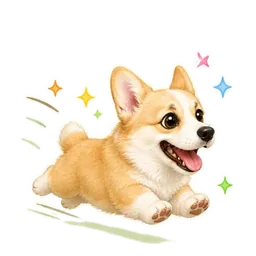
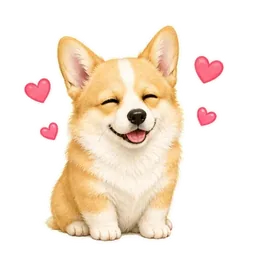
Your dog or cat, in 16 moods, realistic or chibi.



Big feelings from a small human, ready for the family group.

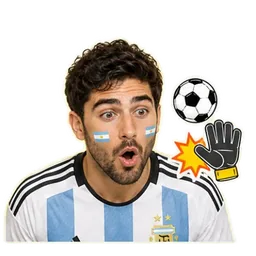

Pick your team and get 16 match-day reactions in its colours.



Sixteen costumes you never had to put on.




Try 16 cuts and colours on your own selfie before you commit to any of them.
Pick an AI animated template, add one photo, and get a short animation with your face in it: birthday candles with the right number on them, a rainbow beam, a royal portrait that comes alive. Generation runs in the background, so you can keep chatting.
Choose any video or GIF, trim it, crop it, add text and emoji, and export an animated sticker WhatsApp accepts. The app handles the format and keeps the file under WhatsApp's size limit for you.
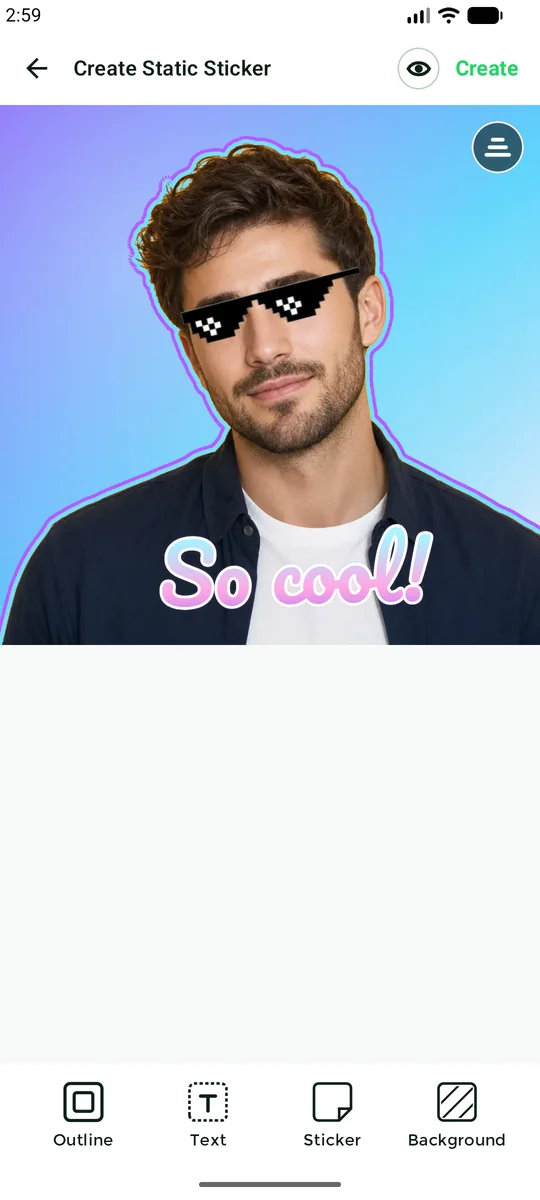
Not every sticker needs AI. Open any photo and the app cuts out the subject for you, on your device. Then make it yours.
No design skills and nothing to cut out by hand. Most packs are ready in a few minutes, and you can leave the app while they generate.
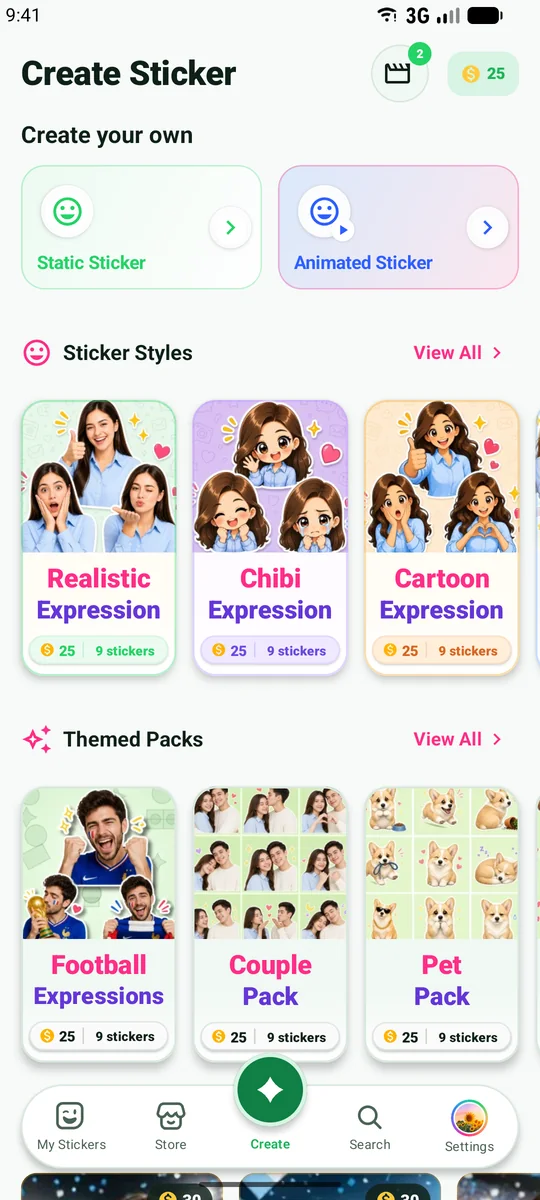
Expression packs, couples, pets, football, Halloween, hairstyles and more. The credit cost is shown on every card.
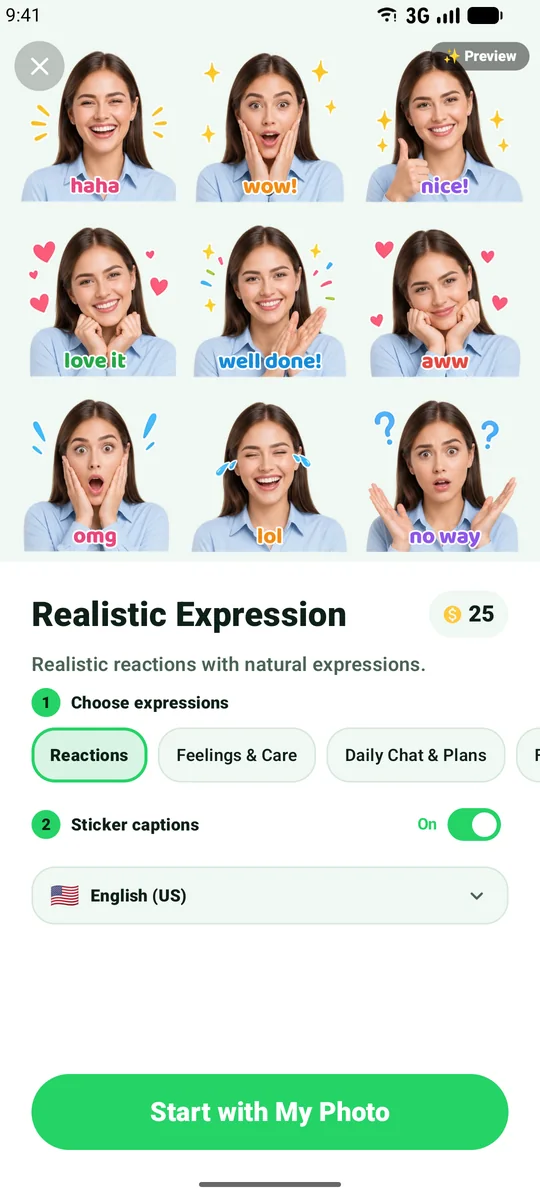
Pick the expressions you want, turn captions on or off, choose their language, and start with your photo.
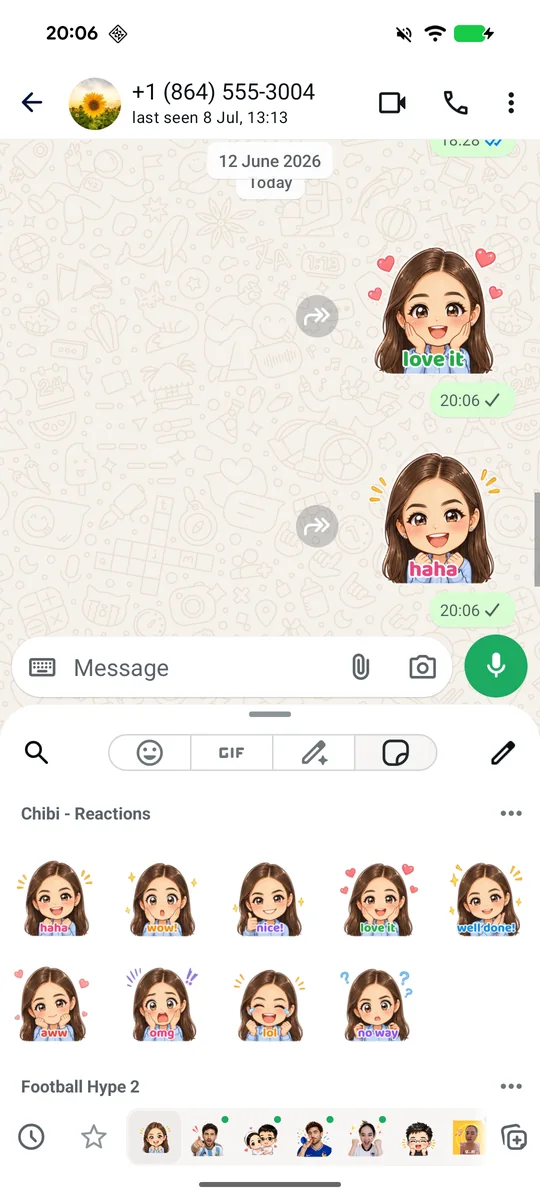
One tap sends the finished pack to WhatsApp. It shows up in your sticker tray, ready for the next conversation.
Thirty starter credits cover one full 16-sticker AI pack. The editor, animated maker and ready-made packs stay free. Pro adds monthly credits and removes ads.
$0
Everything you need to make and share stickers.
$3.99/month
For a fresh pack or two every month.
Best value, about $2 a month
$23.99/year
Credits for the whole year, used whenever you like.
US reference prices. Google Play shows the current price, local currency and any eligible offer before purchase. A standard 16-sticker AI pack uses 30 credits; other AI creations may cost a different amount, shown before you start. Pack counts assume all credits are used for standard packs. Pro credits expire at the end of the billing period and do not roll over. Purchased top-up credits do not expire. Subscriptions auto-renew unless cancelled in Google Play. The free app includes ads and optional in-app purchases.
Anything else? Write to support@wastickerai.com.
Yes. The sticker editor, animated sticker maker and ready-made sticker packs are free. New users also receive 30 starter AI credits, enough for one full 16-sticker AI pack. WAStickerAI includes ads and offers optional Pro plans and credit top-ups through Google Play.
A standard expression pack turns one selfie into 16 stickers. Some themed packs and animated templates contain a different number of results, shown before you start.
Yes. Packs created in WAStickerAI can be added to WhatsApp and WhatsApp Business on Android.
Yes. WAStickerAI turns videos and GIFs into animated stickers, and it includes AI animated templates that put your face into short animations such as birthday greetings, reactions and effects.
Manual sticker editing, including background removal, runs on your device. When you choose an AI feature, only the photos you select for that request are uploaded for processing. Read the Privacy Policy for full details.
WAStickerAI is currently available on Android through Google Play. An iPhone version is coming soon.
Free on Android. Your first AI pack is included.